
Upload contacts
You export your contacts as CSV from Outlook, Excel or your business software. We set up the import together: map the columns, check the preview, done. Every import can be undone completely.
Maintain contacts centrally, identical on every phone, and every call shows a name on the display. Hosted in Switzerland, operated by PC und IT Hilfe. Technically a Yealink Remote Phone Book: the phones fetch the phonebook themselves over HTTPS.
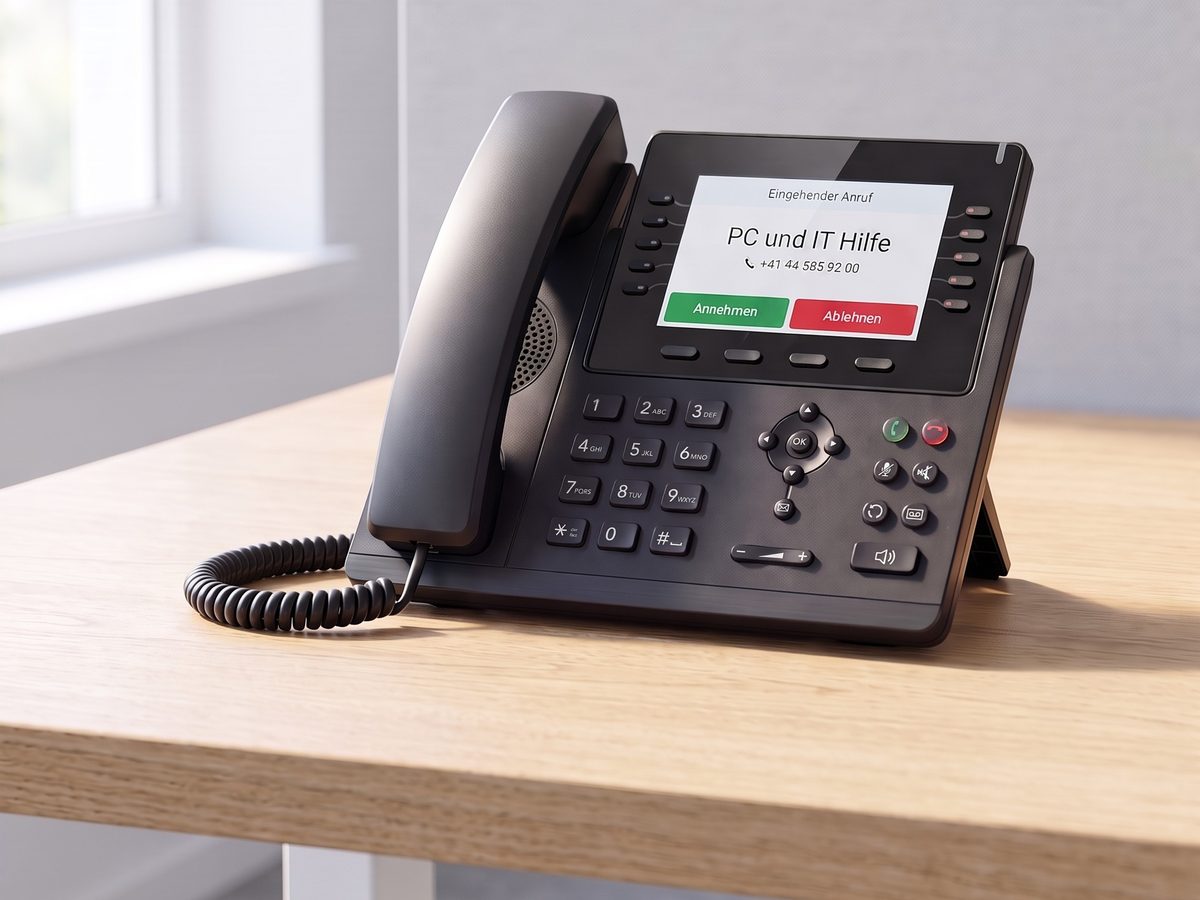
A new supplier calls — the display shows nothing but a number. A colleague saved it yesterday, but on her own phone. When a device is replaced, all its contacts are gone. And whoever maintains the list in Excel maintains it twice.
Yealink phones can read a central XML phonebook (Yealink calls it a Remote Phone Book). All that is missing is the server that provides it — and someone to run it. That is exactly what the Phonebook Service is.
You export your contacts as CSV from Outlook, Excel or your business software. We set up the import together: map the columns, check the preview, done. Every import can be undone completely.
Each phone receives a ready-made configuration file. Load it once, and from then on the device fetches the phonebook by itself — encrypted via HTTPS, refreshed every hour.
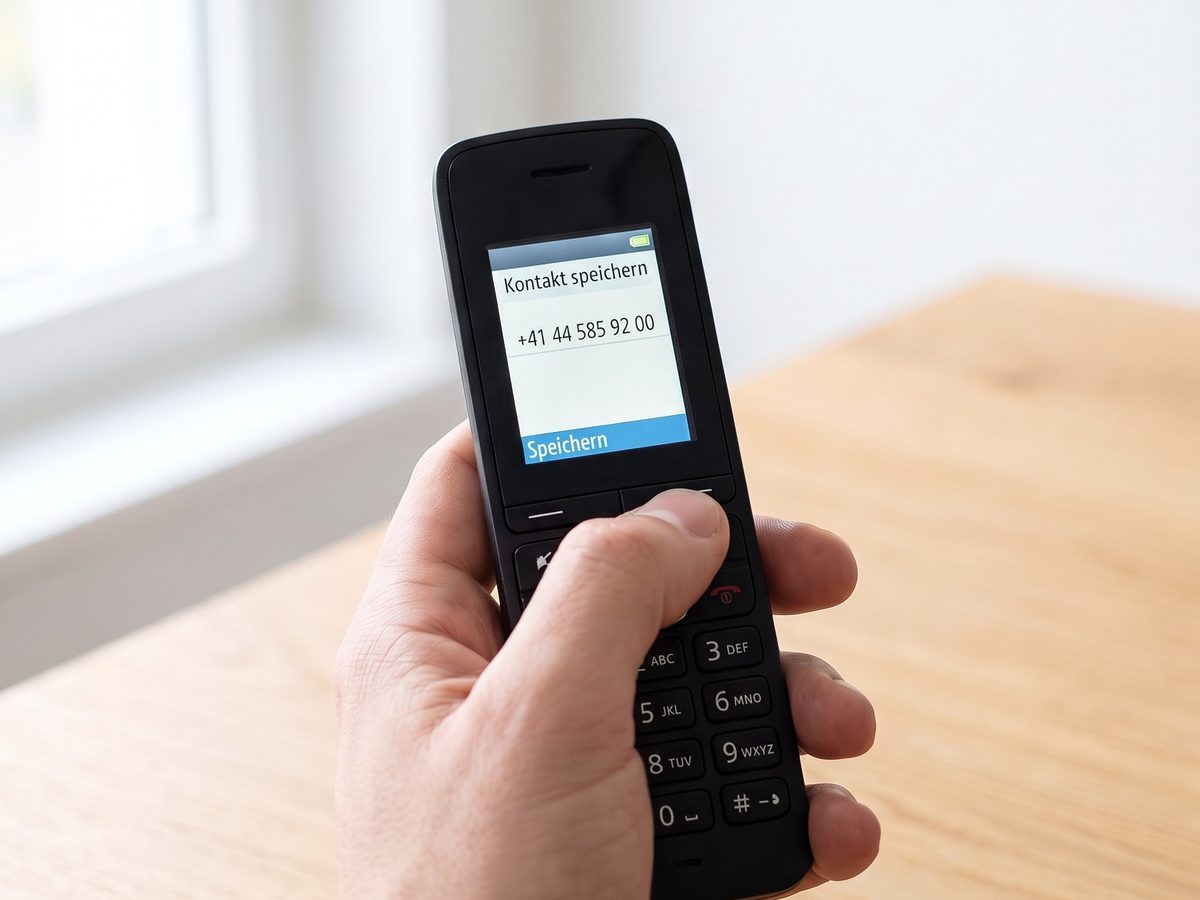
From now on every phone shows the name on incoming and outgoing calls. Unknown callers can be saved right on the phone at the press of a key, or later in the web interface.
One web interface for all contacts: search, add, edit, delete. Changes appear on every phone without anyone touching a device.
The phone matches the number against the phonebook and shows the name — incoming and outgoing, on desk phones and DECT handsets. Yealink calls this caller-ID lookup (reverse lookup) via the Remote Phone Book.
Unknown caller? One key, type the name, saved. No computer, no sticky note.
Who called and is not in the phonebook yet? The web interface shows it, including the number of calls. One click creates the contact, with the number already filled in.
Import existing contact lists, map the columns, check the preview. Every import can be undone exactly — no «roughly like before».
With the Groundwire softphone app the same phonebook is available on the iPhone — without company contacts ending up in the private address book or in iCloud.
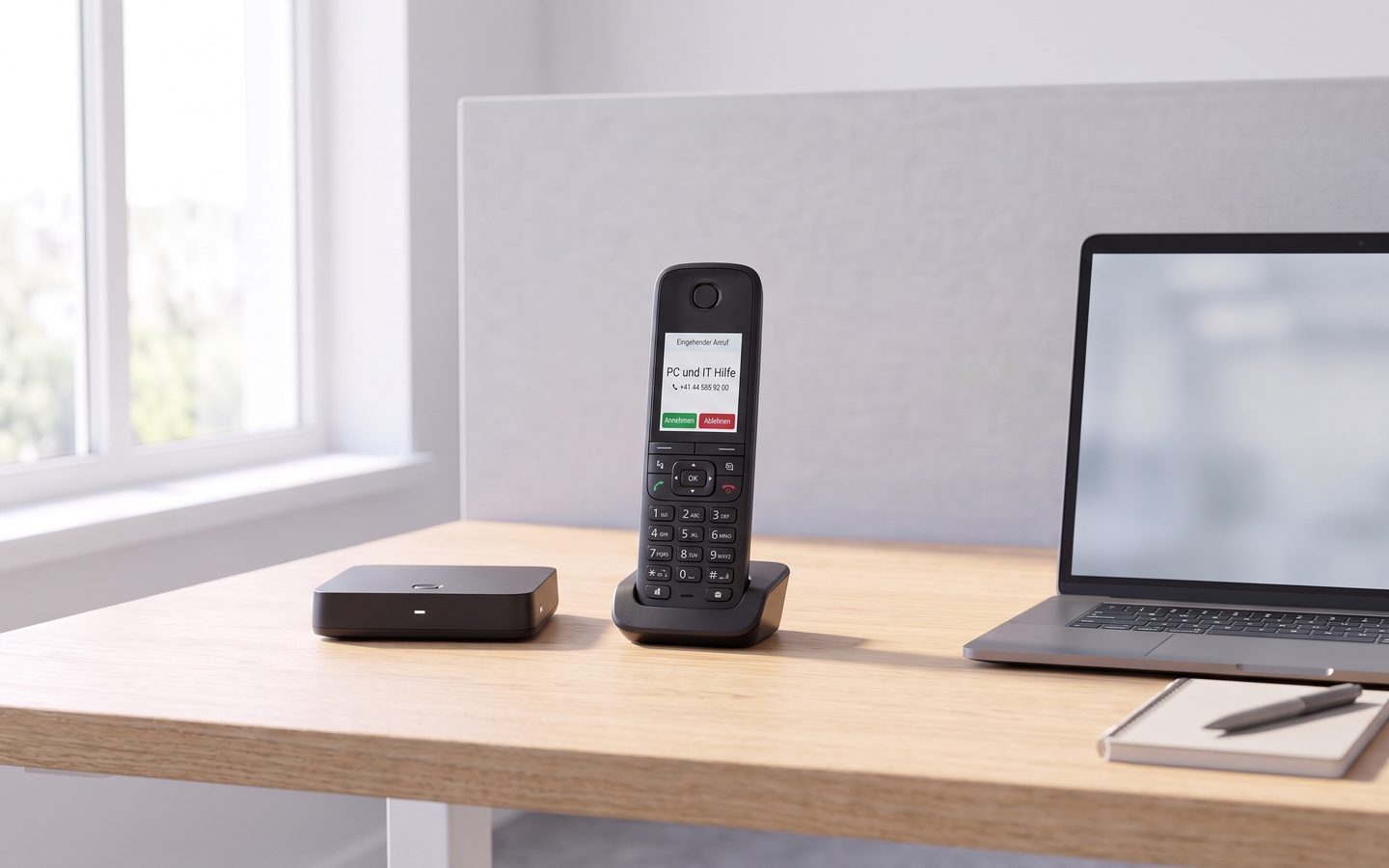
For businesses with Yealink phones where several people need the same contacts: medical practices, fiduciary offices, trades businesses, law firms, workshops. Typically 3 to 20 phones and a few hundred to 2’000 contacts.
The service is independent of your phone system: it works with any PBX that Yealink phones are connected to — whether cloud telephony or your own on-premises system.
Our first customer is a medical practice. That shaped the service:
Hosted in Switzerland at Infomaniak (Geneva). Your data never leaves Switzerland.
Encrypted — all connections exclusively via HTTPS.
Tenant separation — every business has its own phonebook. There is no technical path for access across businesses.
The operator cannot see your contacts. We set up your access and hand it over. After that, there is no way from our administration to your contacts.
Data minimisation — only names and phone numbers are stored, nothing else. Call events are deleted automatically after 30 days.
Data processing agreement under the revised Swiss Data Protection Act (revDSG) on request, standard for practices and law firms.
All prices in CHF, no VAT.
one-time setup CHF 290 · or CHF 290 / year
from CHF 79 / month plus one-time development charged by effort
Every integration is developed individually. In a short call we clarify which interface your software offers, then we provide a fixed quote.
Request an integrationThe Phonebook Service is in productive use, but still young. Join now and the setup is free, and you pay CHF 15 instead of 29 per month — guaranteed until six months after the end of the beta phase. Cancel monthly, no minimum term. In return we would like your feedback: what is missing, what gets in the way, what helps.
All Yealink phones, firmware version 86 or later. Other manufacturers: we check compatibility on request, without obligation.
That is a limit of the Yealink format.
The phone fetches the phonebook every hour. If you need it right away: on the handset, «Options → Update».
Names and phone numbers — a phone does not display more, and nothing more is stored.
By design: the business’s administrator sets passwords, not a mail server.
No. The service is tied to the phones, not to the phone system. Only a few lines need to be set in the configuration of the Yealink devices — we take care of that.
All Yealink phones with firmware V86 or later. Send us the model and firmware version and we will tell you within one working day. Phones from other manufacturers: we check compatibility on request, without obligation.
Yes. The Phonebook Service provides a Yealink Remote Phone Book: an XML phonebook that every phone fetches itself over HTTPS and refreshes hourly. You never maintain an XML file – the service generates it from the web interface.
Essentially yes: a phonebook as an XML file on a server that the phones fetch themselves. Every manufacturer has its own name for it: Yealink «Remote Phone Book», Snom «Remote XML Directory», Grandstream «XML Phonebook», Fanvil «XML Remote Phonebook», Cisco «XML Directory», Gigaset «online directory (XML)» or «central phonebook». The XML formats differ between manufacturers, though. The Phonebook Service is built for Yealink; for phones from other manufacturers we check compatibility on request, without obligation.
Yes. The phone matches the caller’s number against the Remote Phone Book and shows the name – on incoming and outgoing calls, on desk phones and DECT handsets.
The address is individual per business and protected. We enter it into your phones’ configuration during setup; it is not public.
From your CSV import (Outlook, Excel, Google Contacts, industry software) and from the web interface. With the «integration» option, contacts are taken over automatically from ERP, practice software or CRM.
As CSV — from Outlook, Excel, Google Contacts or your industry software. We set up the first import together and check the preview before anything is written.
You receive your contacts as CSV, then we delete your tenant completely — within 30 days.
Yes, an unlimited number of accounts. Administrators manage accounts and phones, everyone else maintains contacts.
No. Our administration access can set up businesses but cannot read contacts. That is how it is built, not just promised.
The service is in productive use with customers, but the interface and features are still evolving. Beta customers pay half price and have a direct line to the developer.
Tell us your business, number of phones and phone model — we will get back to you within one working day.
Within one working day, Mon–Fri 08:00–12:00 and 13:00–18:30, Sat 09:00–16:00.